Calendar & Emails
Emails become tasks with the reply already drafted, and your day is arranged with your AI, business or personal.
Your inbox and calendar, handled together
Emails become tasks, your day is planned with your AI, and every draft is built from everything it knows about you. Nothing sends without your approval.
Every ask becomes a task
When an email asks for something, Heyno turns it into a task and answers with full context: your calls, messages, saved memories, and the AI apps you use, drafted exactly for you.
Your day, managed with AI
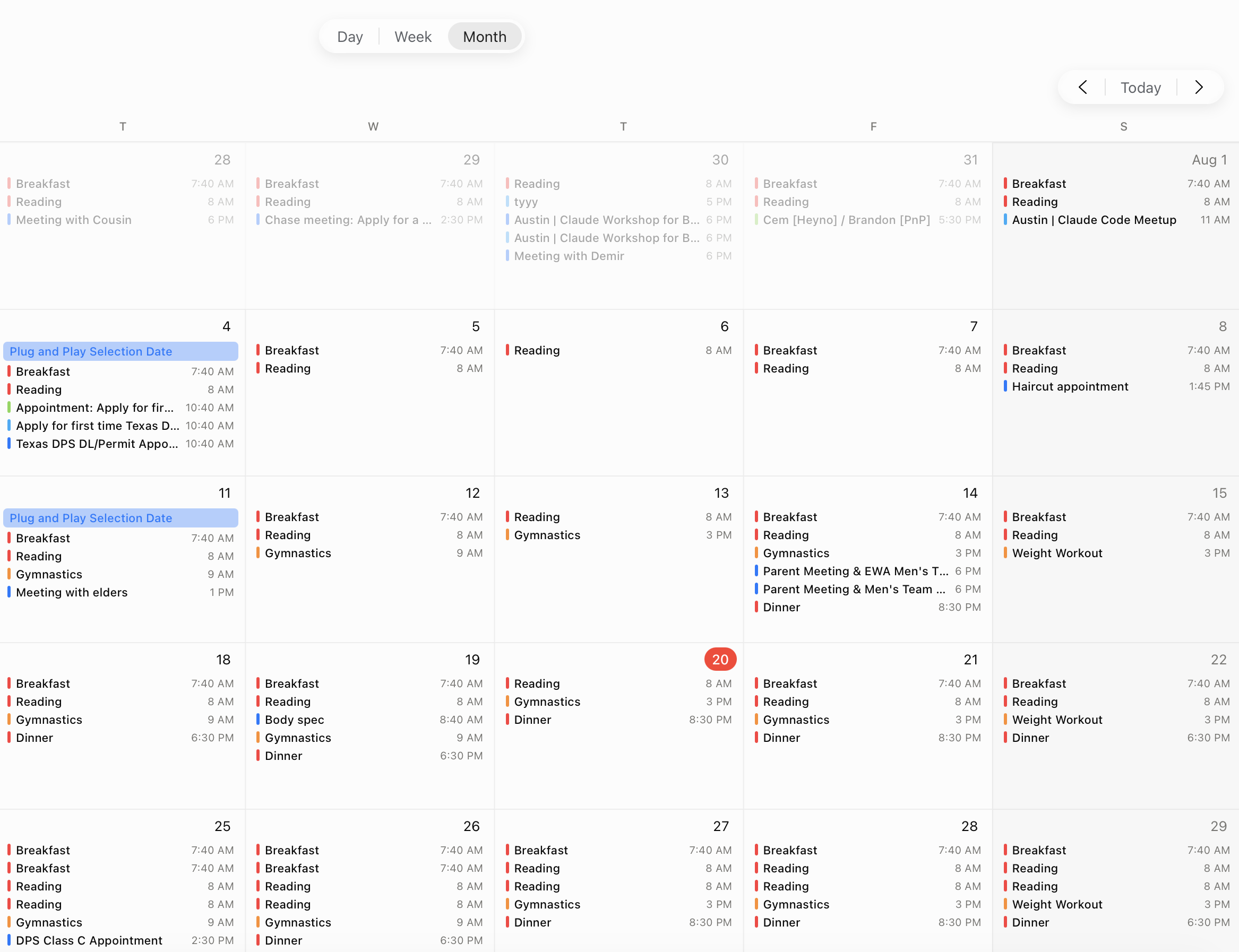
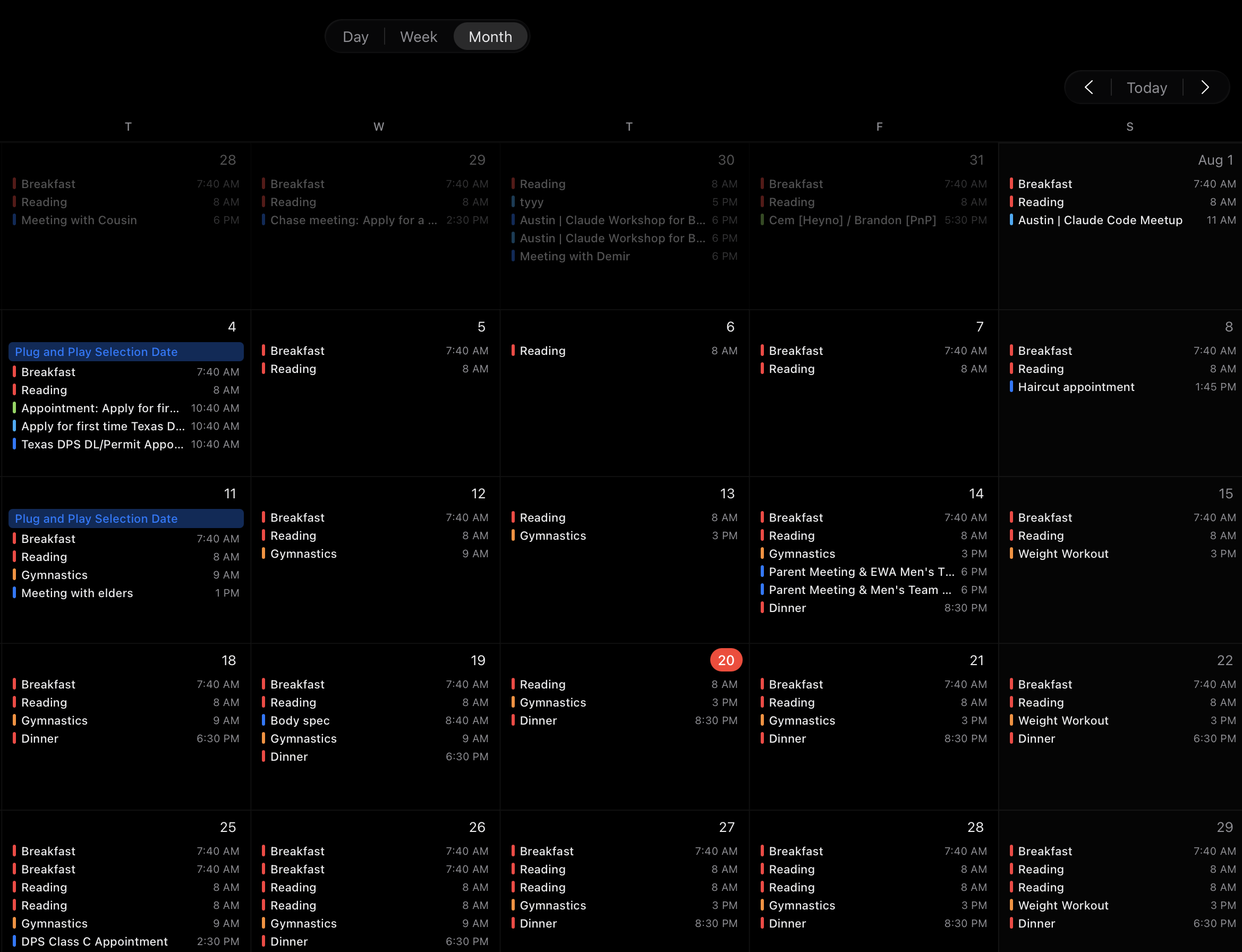
Meetings, recurring events, and personal plans, arranged with your AI on one calendar, for your business or your life.
Written in your voice
From the moment you connect your inbox, Heyno keeps a memory of your writing style, and every draft follows it.
Tasks, straight from your mail
Tasks in Heyno are created from all over your business, and the inbox is one of the most important sources. When an email asks for something, it becomes a task, and Heyno drafts the answer from everything it knows about you: your calls, chats, documents, and saved memories, researched and ready for your approval.
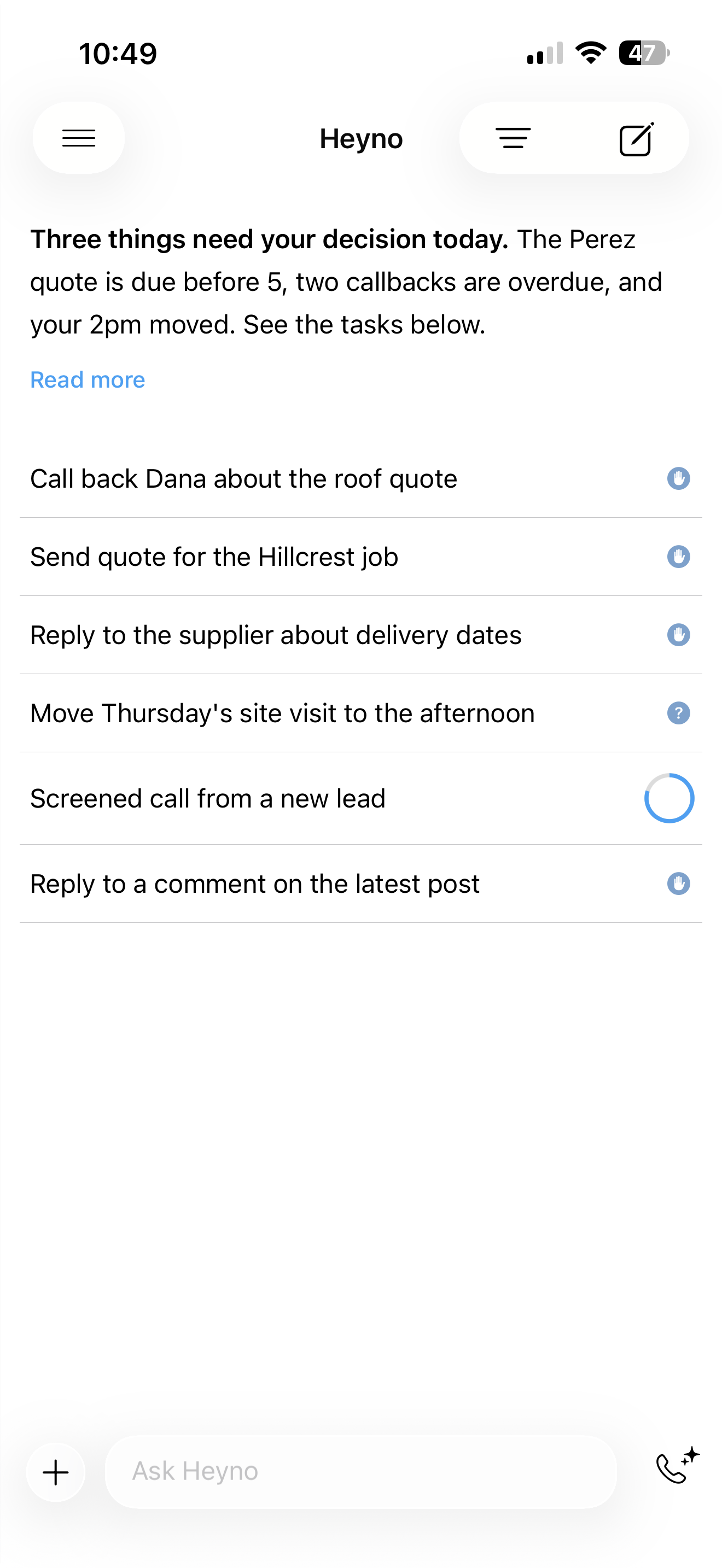
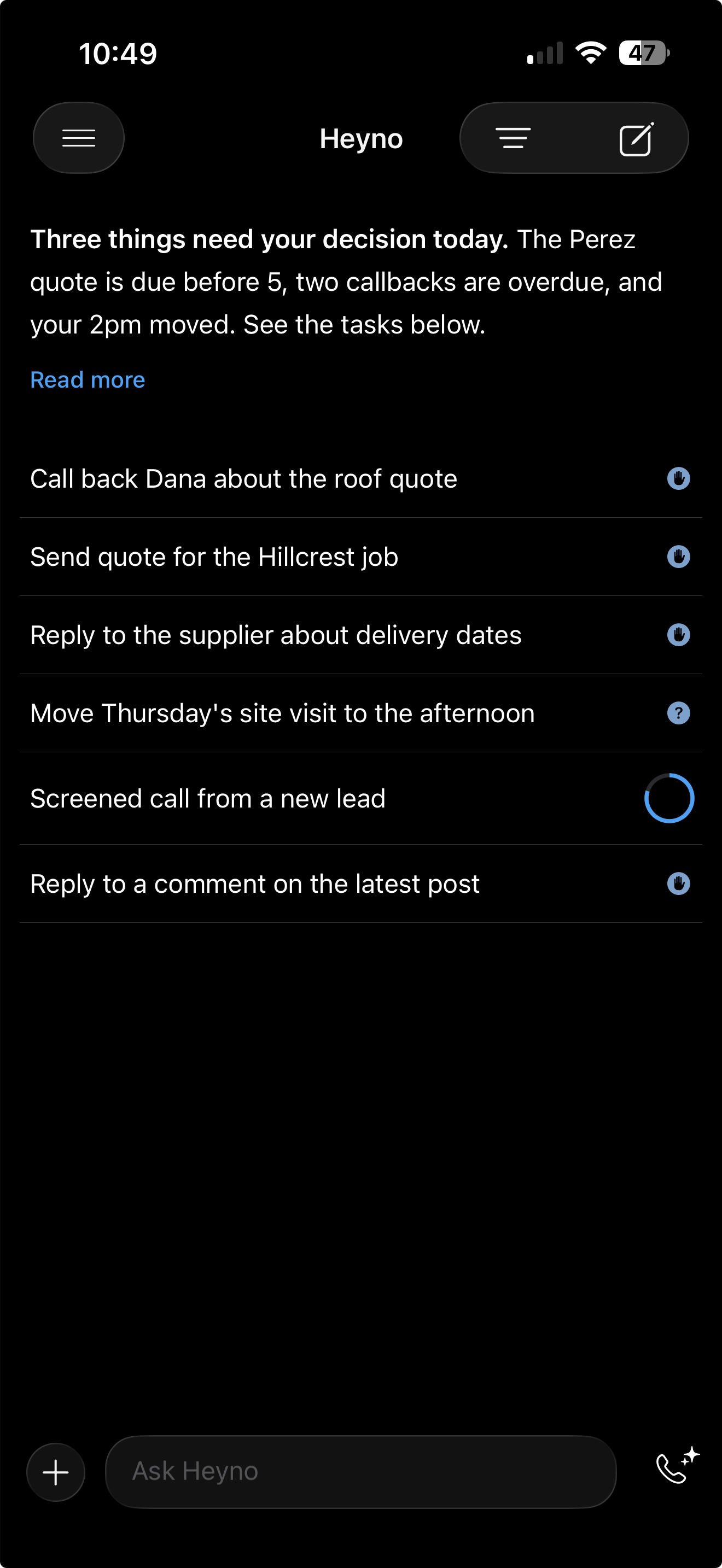
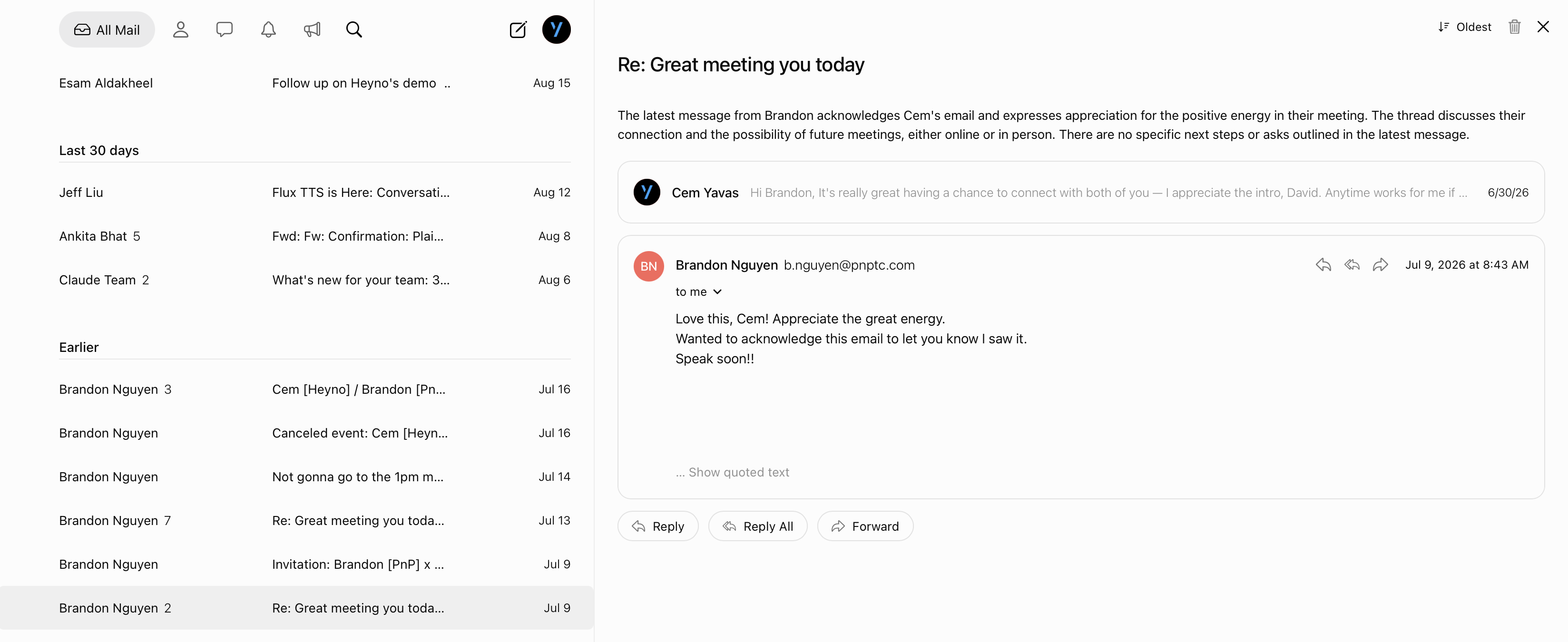
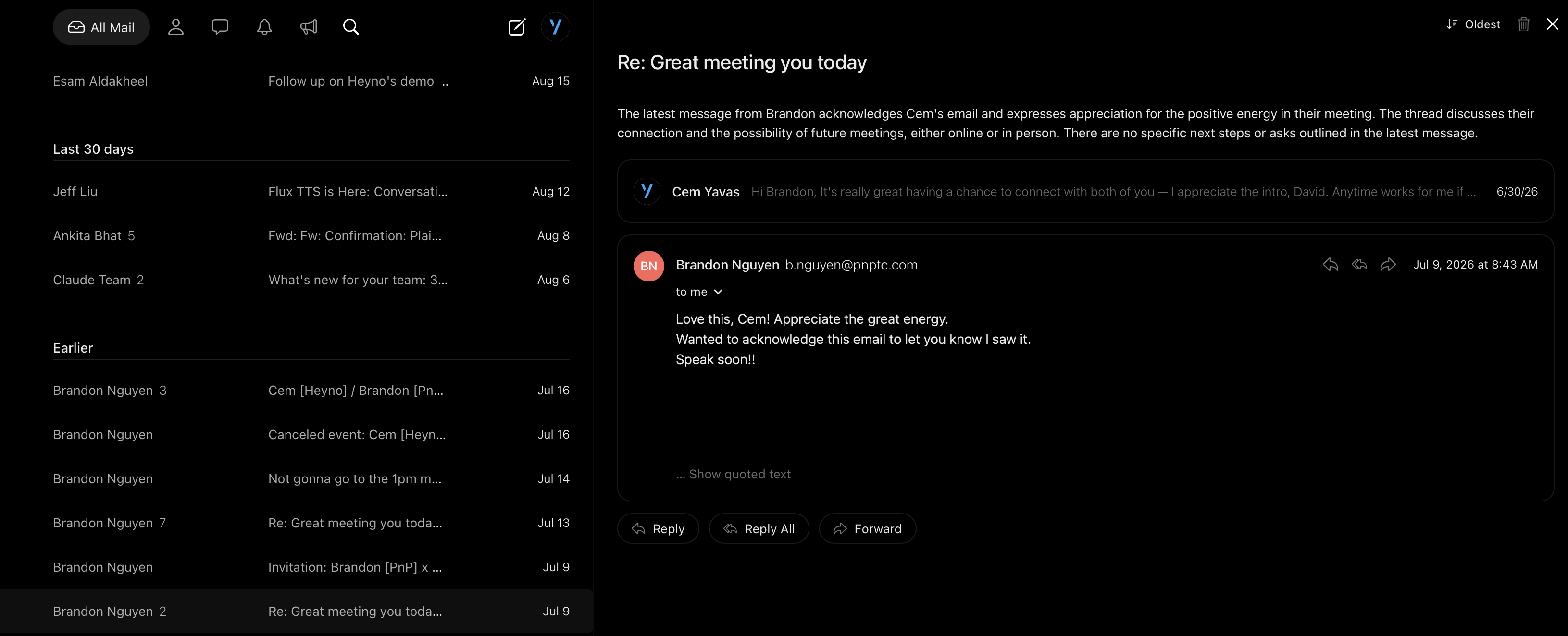
Heyno Mail
Bring in Gmail, Outlook or Zoho and work every account from one clean inbox. Your AI is right there when you want it, and out of the way when you don’t.
Heyno Calendar
Your calendar, with every other calendar you keep alongside it. Tell your AI what your week should look like and it arranges it. When a customer calls to book, the appointment lands here on its own.
Tasks, calendar, and the context behind them
The email arrives already handled
An email comes in, Heyno does the work behind it using everything it already knows, and leaves you a task to approve.
Set up your week by asking
Ask from inside Heyno, or from any AI you already use. Say you want an outreach plan for next week and Heyno works out who to reach and when, then puts it on your calendar.
Search once, and it remembers
Ask for the document you cannot find and Heyno digs it out of your mail. What it finds becomes memory it keeps, so the next time you ask, in any Heyno app, the answer is already there.
How a task is created
An email comes in
Heyno reads it and decides whether it is a task.
It does the work
If research is needed, it plans it out and writes the response.
It asks when unsure
If something is unclear, you get the question, not a guess.
You approve or reject
One tap sends the reply, and if an event needs adding, it goes on the calendar.