Heyno Passwords
Every password, on every device, filled where you need it, and there when your AI needs to sign in.
A vault your whole team can actually use
Store credentials once, fill them everywhere you work, and let your assistant use them to sign in and get things done, always with your approval.
End-to-end encrypted
Your vault is encrypted on your device before it syncs, and nothing in it is readable without your Secret Key. We never see that key, and losing a device never loses your vault.
You control who has access
Grant a teammate or your AI access to an account without exposing the password, remove it in one tap, and see who used what, and when.
Made for your AI to use, safely
Ask your assistant to sign in, create an account, or fill a form, and it uses the vault to do it, with your approval each time.
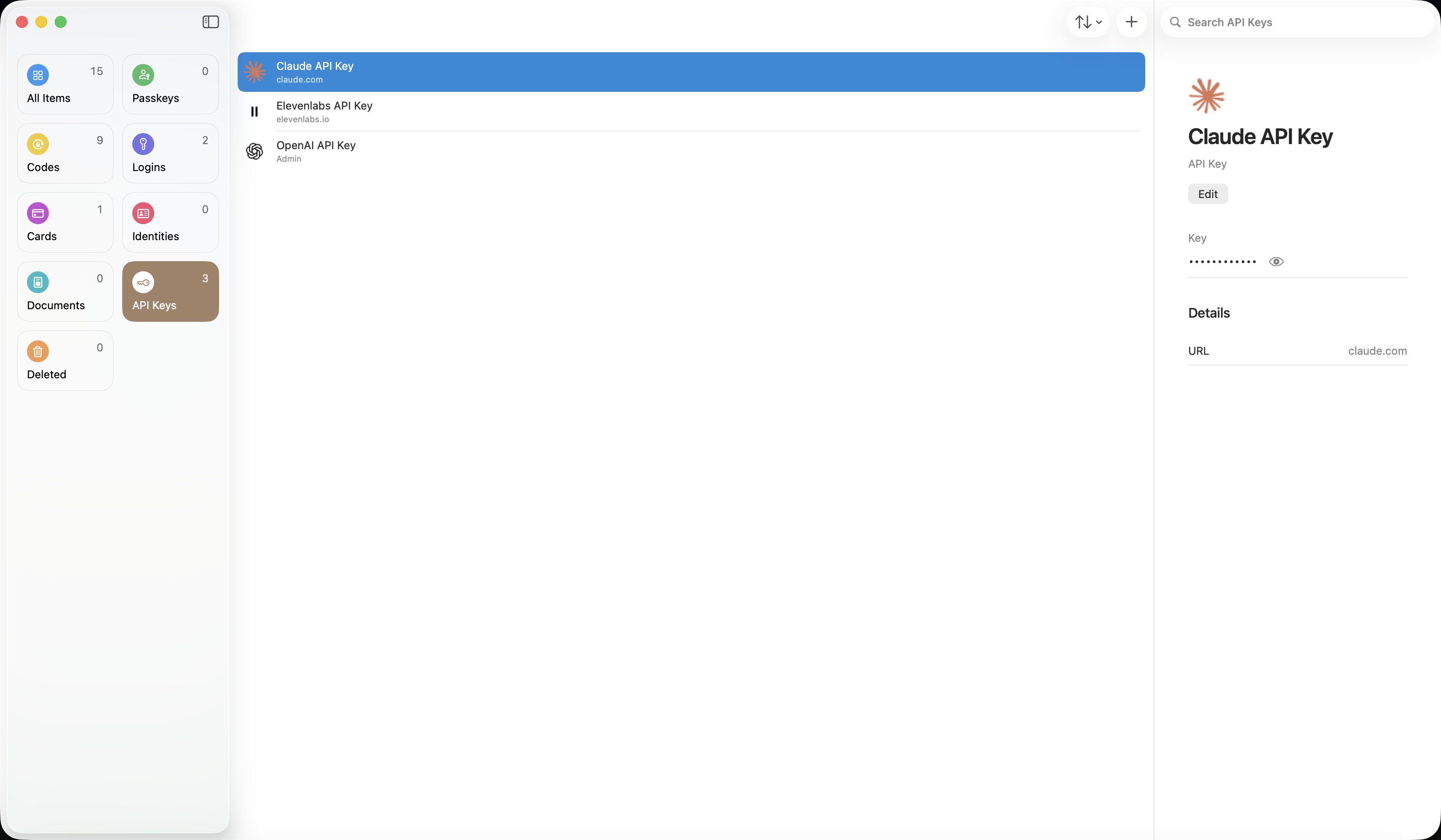
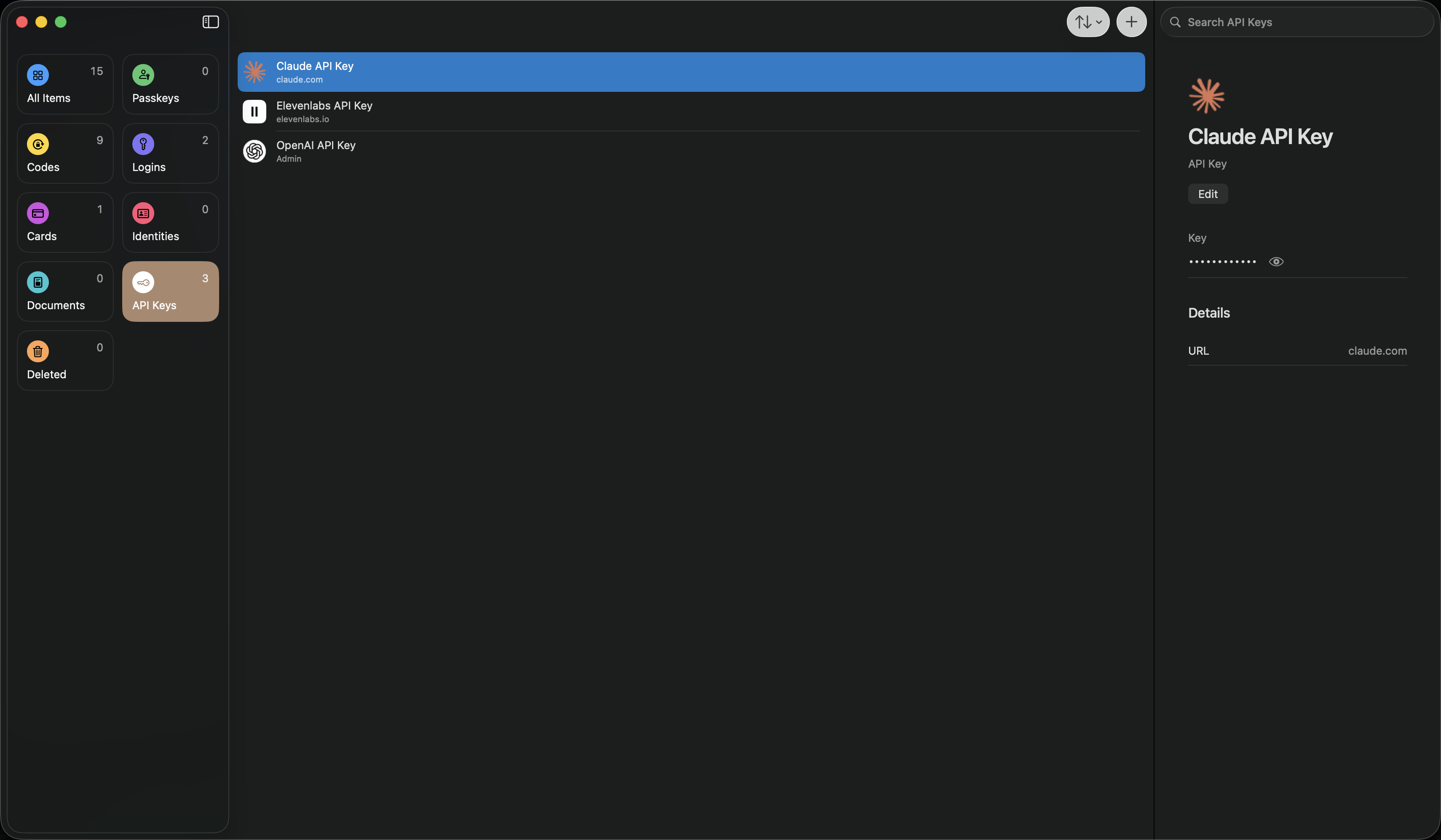
“Claude knows my API keys.” No more.
API keys do not belong in chat windows. Keep them in the vault, and your assistant uses them to work with the services you rely on, without the key ever appearing in a conversation.
Approve AI access with Face ID
When your assistant needs a credential, an approval appears on your iPhone. One glance with Face ID grants it, and nothing in the vault is used without you.
Your 2FA codes, built in
Keep one-time codes in the vault next to the login they belong to, ready whenever a site asks for one, for you or for your AI.
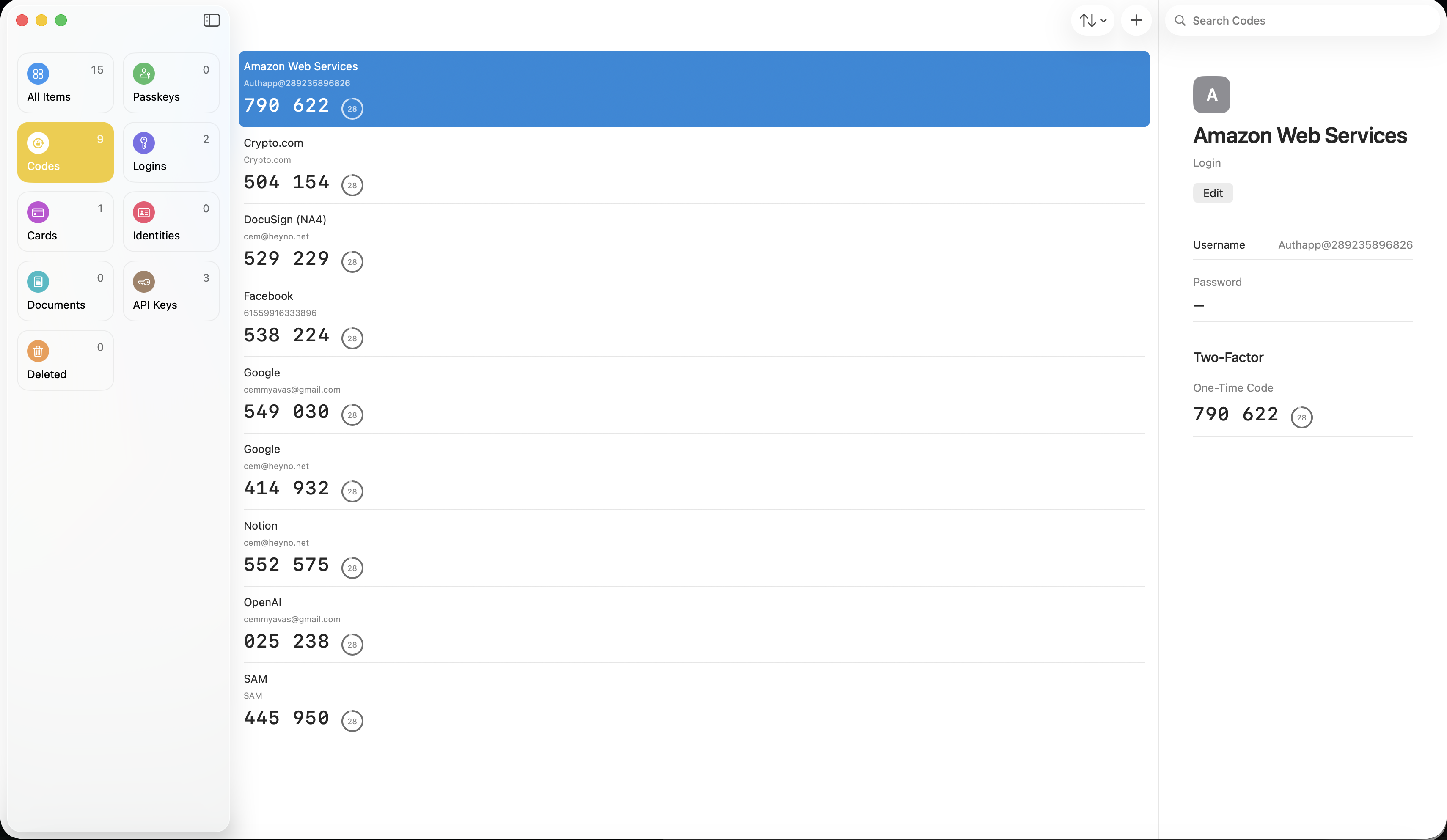
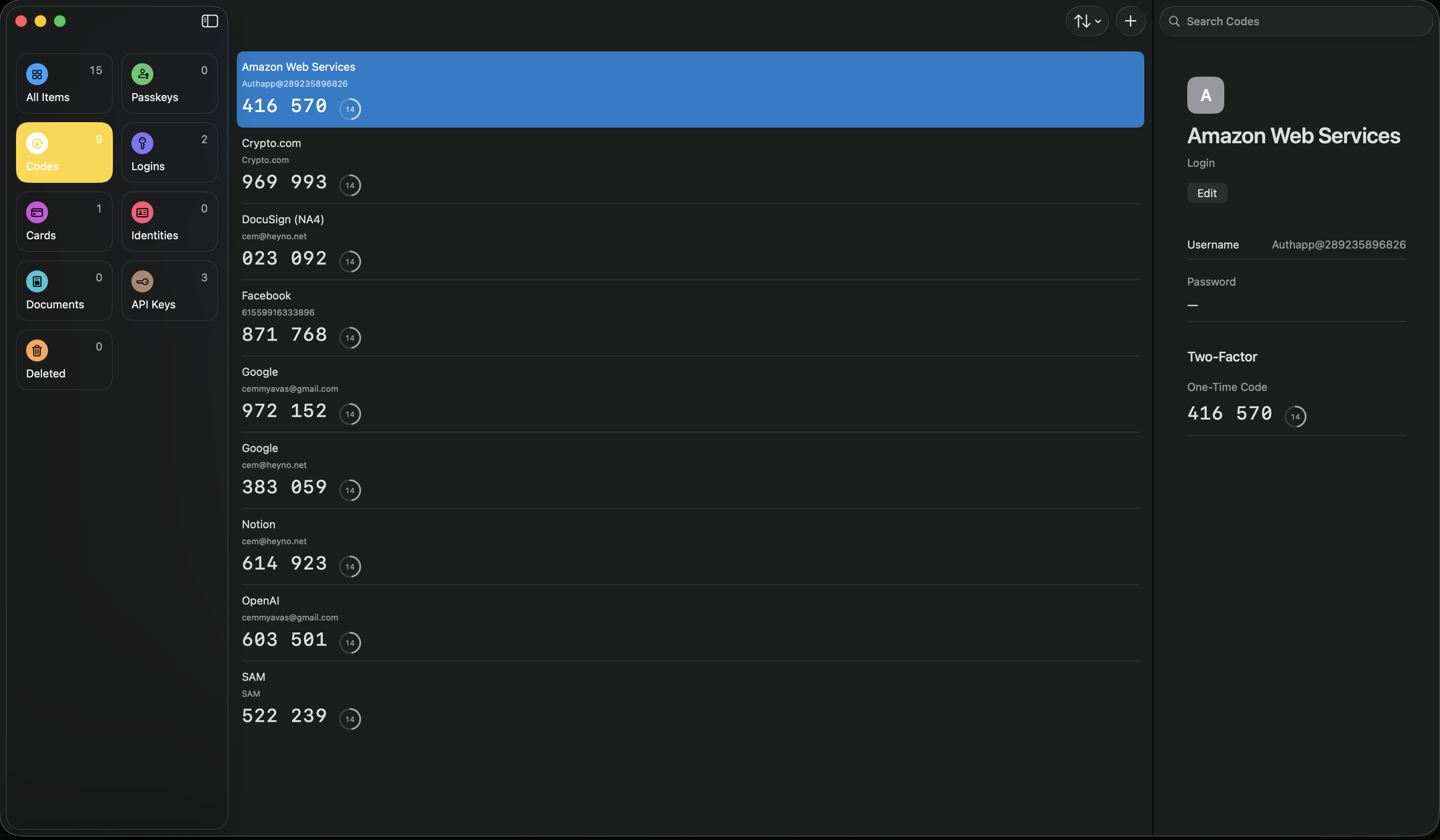
Everything you store, in one place
Your AI signs in, you approve
Your assistant uses the vault to sign in or create an account for you, whether it needs a password or a document, and every use is approved with Face ID on your phone. The same autofill works for you on the sites you use.
One vault, used safely by your AI
Passwords, credit cards, one-time codes and documents live in one vault. When your assistant needs one, say a bank statement or a passport, it accesses the document safely and sends it without exposing it, once you approve with Face ID on your phone.
Filled on the sites you use
Browser extensions fill your credentials where they belong, so signing in never means finding, copying and pasting. What fills for you is the same vault your AI uses.